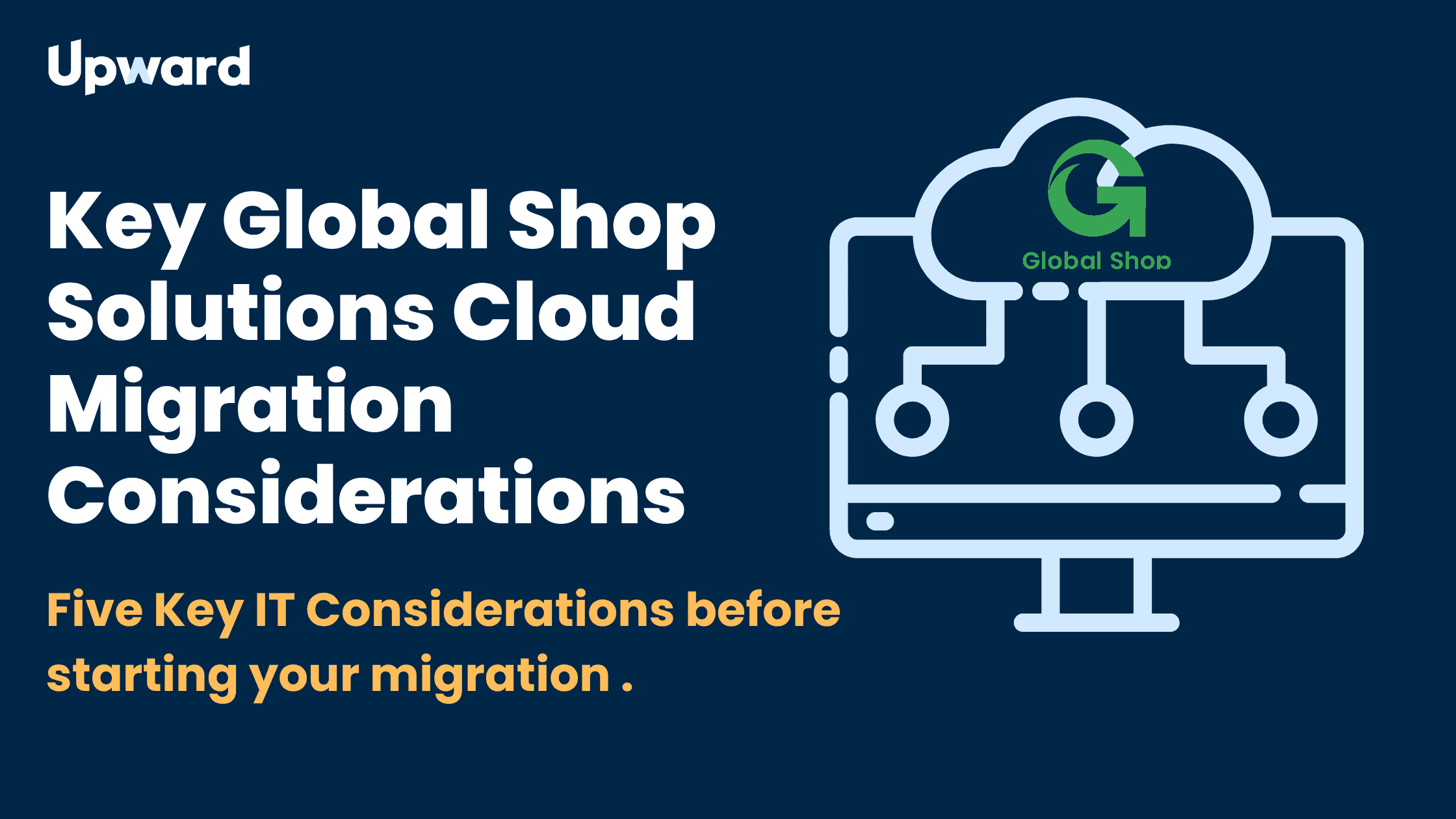
If you’re currently hosting Global Shop Solutions ERP on your own server and considering a move to the cloud, this article is for you.
Moving to the cloud is an excellent decision that can simplify operations and enhance security for your Global Shop Solutions instance. However, the transition requires careful planning and coordination between Global Shop Solutions and your IT team. While Global Shop Solutions has a dedicated cloud migrations team that provides detailed instructions and best practices, if your IT team is unfamiliar with Global Shop Solutions, additional preparation is essential- and we recommend you read this article as well.
Consideration 1: File Sharing and Active Directory
Many companies host their files on traditional file servers. As you migrate your core ERP workloads to the cloud, this presents an opportunity to explore a hosted Active Directory environment using Microsoft Entra licenses and a fully cloud-based file management system using SharePoint. You may already have many of these capabilities included in your existing Microsoft licensing bundle, or you can add them cost-effectively.
You don’t necessarily need to migrate all these services to the cloud before moving to Global Shop Cloud, but having a long-term IT architecture plan is crucial. This ensures you efficiently evolve your IT ecosystem and avoid costly rework down the road.
Consideration 2: VPN Tunnel Configuration
Ensure your firewall is properly configured in advance to accommodate the new data source (Amazon Web Services). Global Shop Solutions will provide specific IP addresses they use. If you have multiple VLANs or a complex network structure, careful planning is required to ensure minimal disruption to your services.
Consideration 3: Printer Configuration
All printers must have static IP addresses. If your printers are configured with dynamic IP addresses, they need to be changed before the migration. For environments with many printers, print server solutions are available that can eliminate this requirement and simplify printer management significantly.
Consideration 4: Account Management
After migration, you may have both on-premises AD accounts and GSS cloud AD accounts, resulting in multiple logins for users and potential confusion. Users should be informed of these changes in advance. Several solutions exist to sync these systems, eliminate password complexity, improve security, and simplify access for your team. Multi-factor authentication solutions like Duo are often recommended and should be considered well in advance of migration.
Consideration 5: Bandwidth and Network Performance
We strongly recommend a robust primary internet circuit and a backup internet circuit with automatic failover for any company moving to the cloud. Downtime is too expensive, and productivity will be directly tied to internet uptime.
As you make these changes, it can also be a great time to consider your IT/OT (Operational Technology) configurations, to ensure you have designed the network for optimal resilience, performance and security.
Ready to Migrate?
If you’re considering a move to Global Shop Cloud, it’s a smart decision! Whether you need help with planning or want advice for your existing MSP, we’re here to ensure you have a clean and trouble-free migration. Contact us today!